
Future “How to DEX” articles will be tailored to cover everything from how to trade, how to create your own coin and other epic features you can do on the Sparkdex.
Step 1 Getting to Sparkdex. You can access Sparkdex via the website.
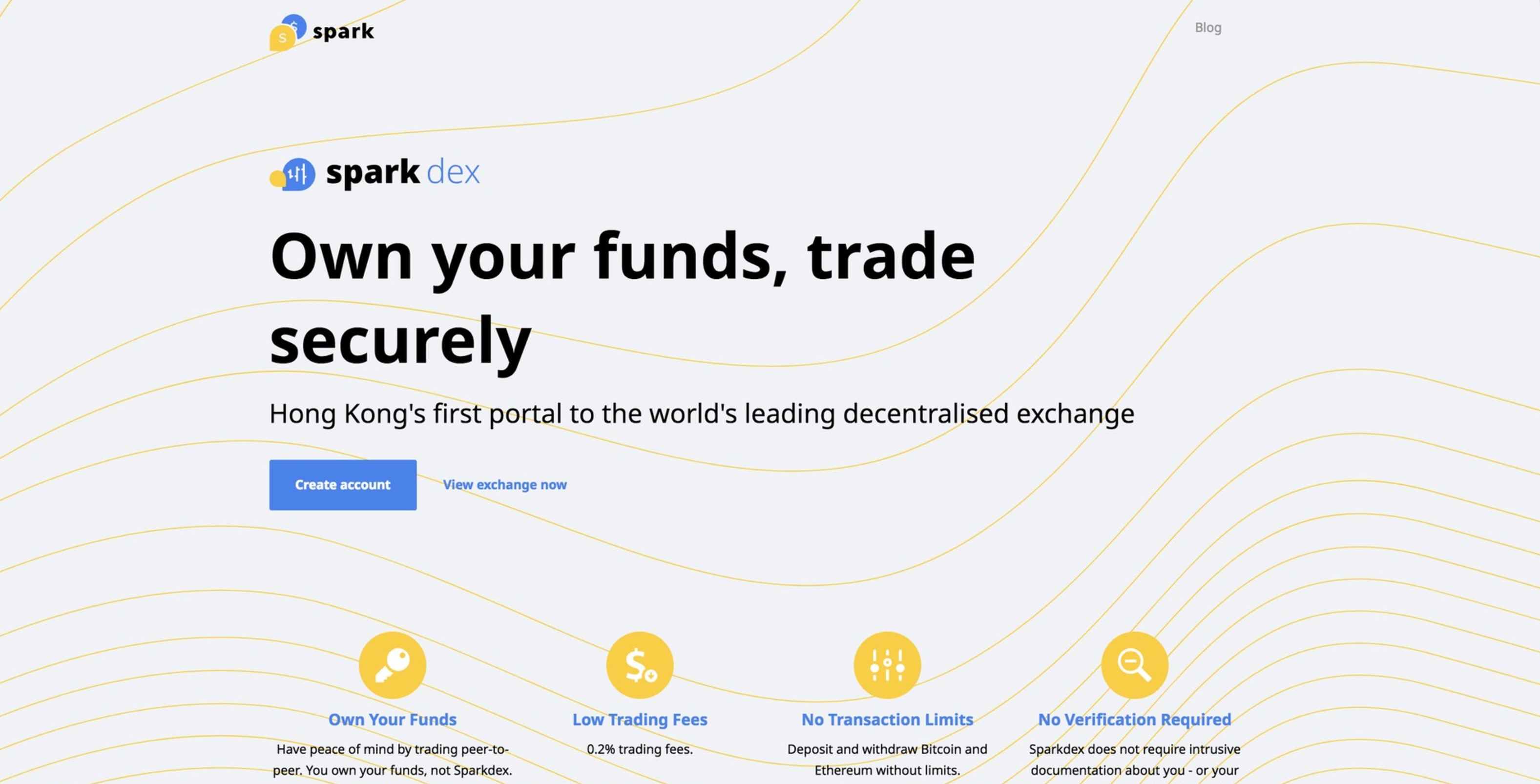
To access the DEX, click create account or to view what Sparkdex looks like click View Exchange now.
Step 2 Creating an account
First thing you will see is Sparkdex Create Account page. Here you can create an account or login. Your Account Name (also known as memo) can be anything you’d like. It will be what other traders see and the address you send and receive at. The second field, Generated Password is generated locally by your browser. No one, not even Sparkdex can see this. Copy and keep this password in a safe place. It is a one time password! Third field is confirm password. Here you will have to enter your password you have saved. Again, please copy and keep this password in a safe place. It is a one time password! Sparkdex cannot retrieve this password for you. Read, accept conditional fields and create an account. This is normal for all decentralised exchanges, read this DEX FAQ to understand why.
Last Step Account created!
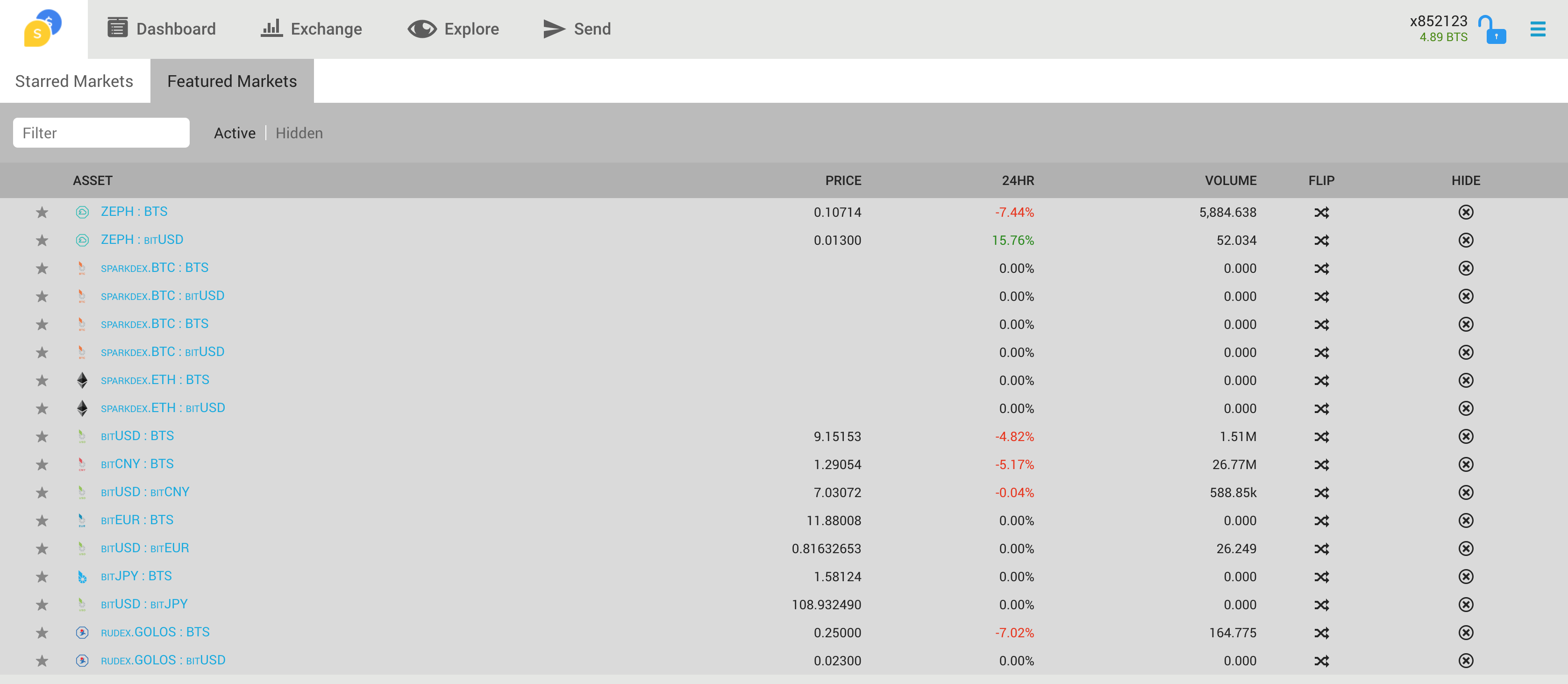
Once you have successfully created an account you will be directed to featured markets and the Sparkdex terminal where you can begin trading.. . .Thanks for learning how to create an account on Sparkdex. If you have any questions please reach out to our growing community!
Website – Newsletter – Twitter – Telegram – RedditBy joining or subscribing to the links above you will only get Sparkdex specific content.